 Image 1 of 5
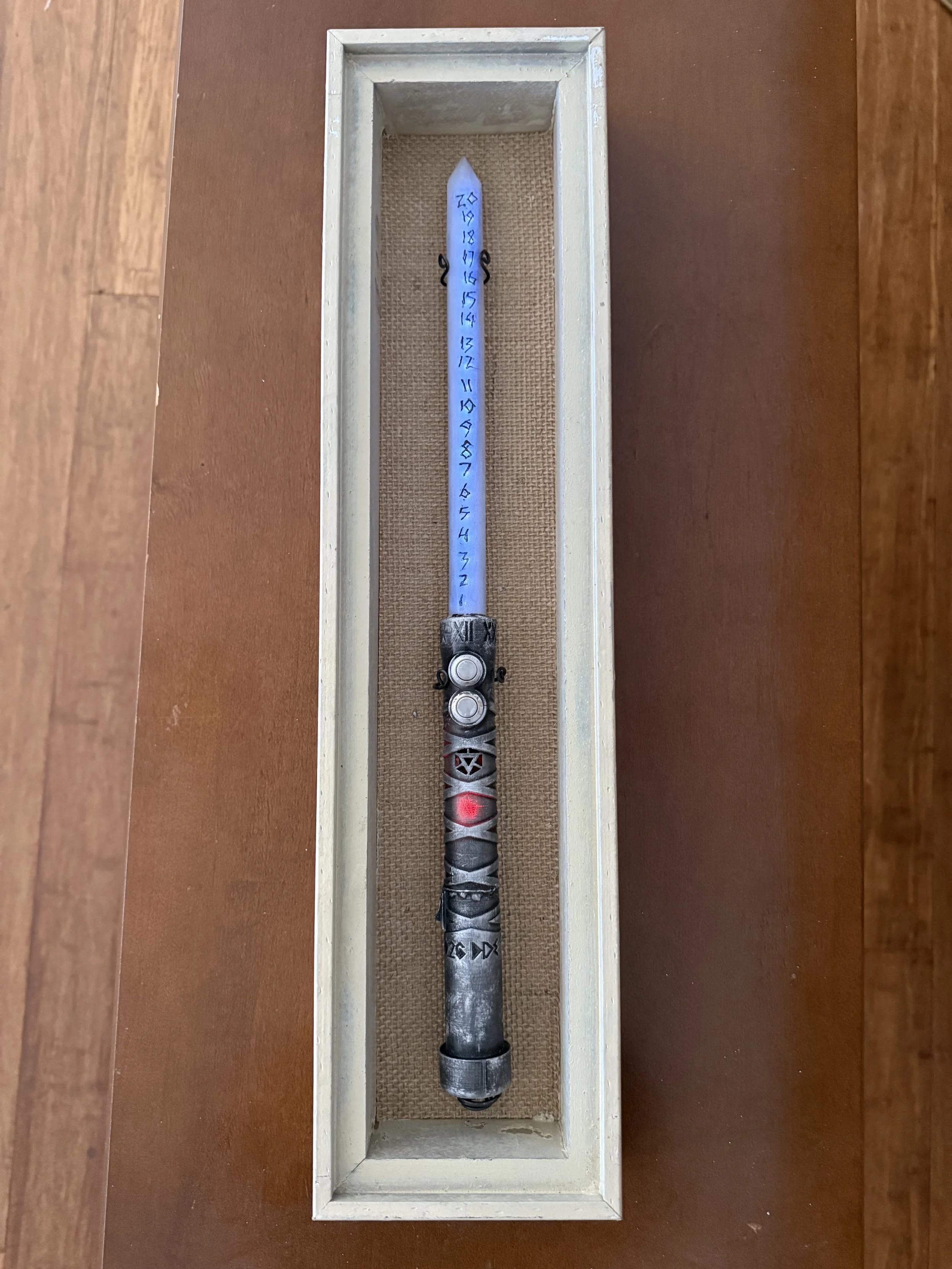 Image 2 of 5
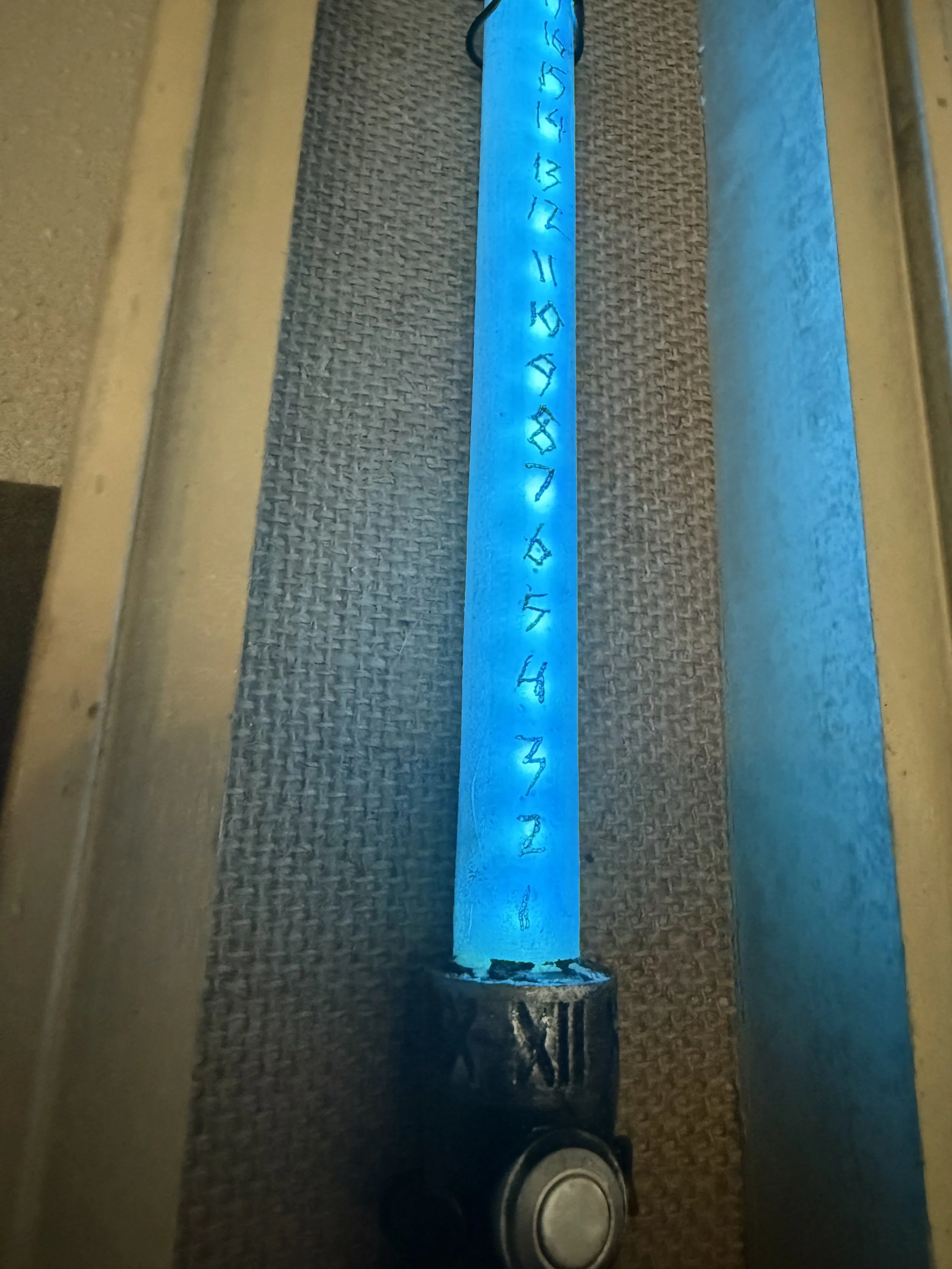 Image 3 of 5
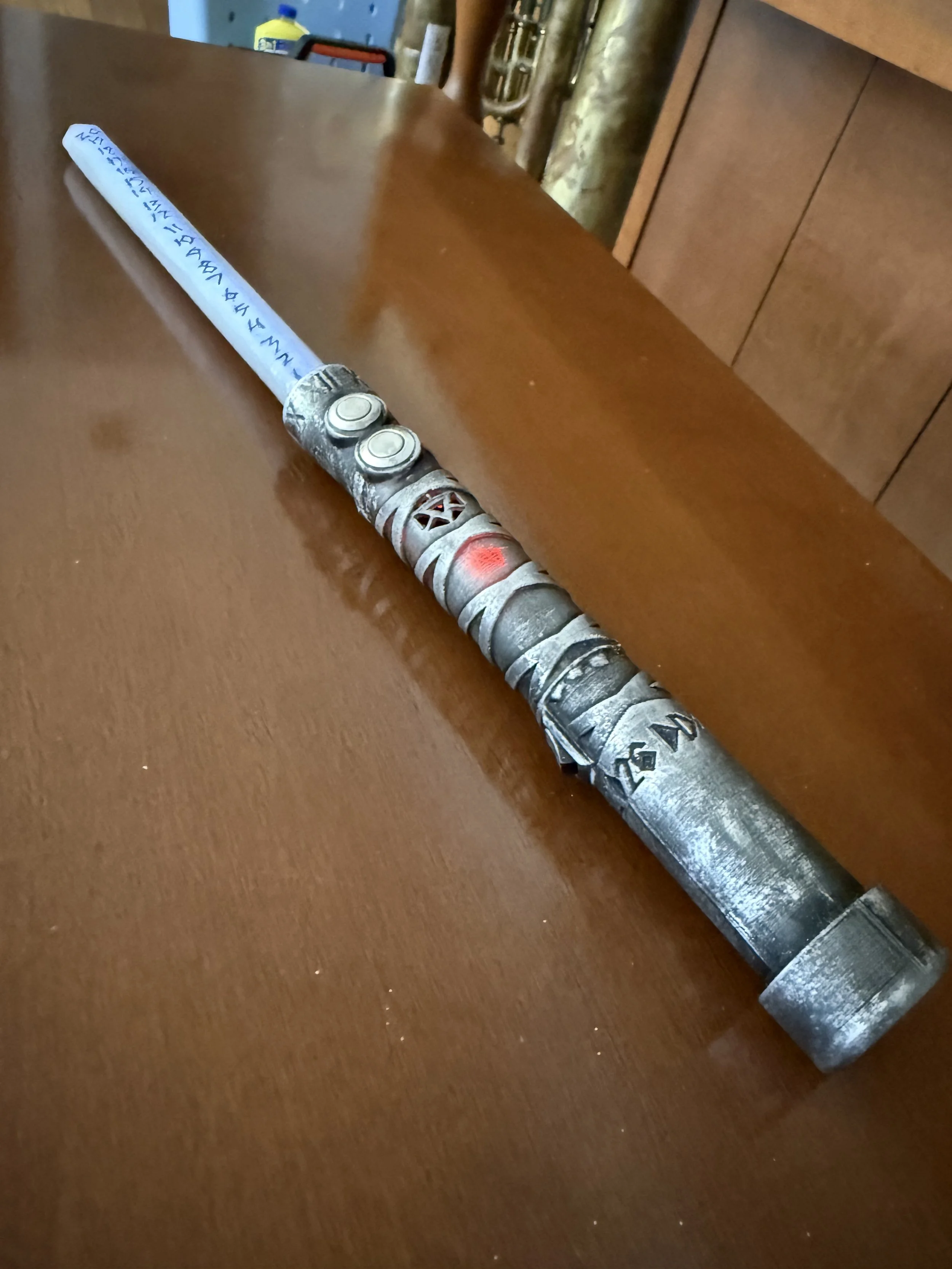 Image 4 of 5
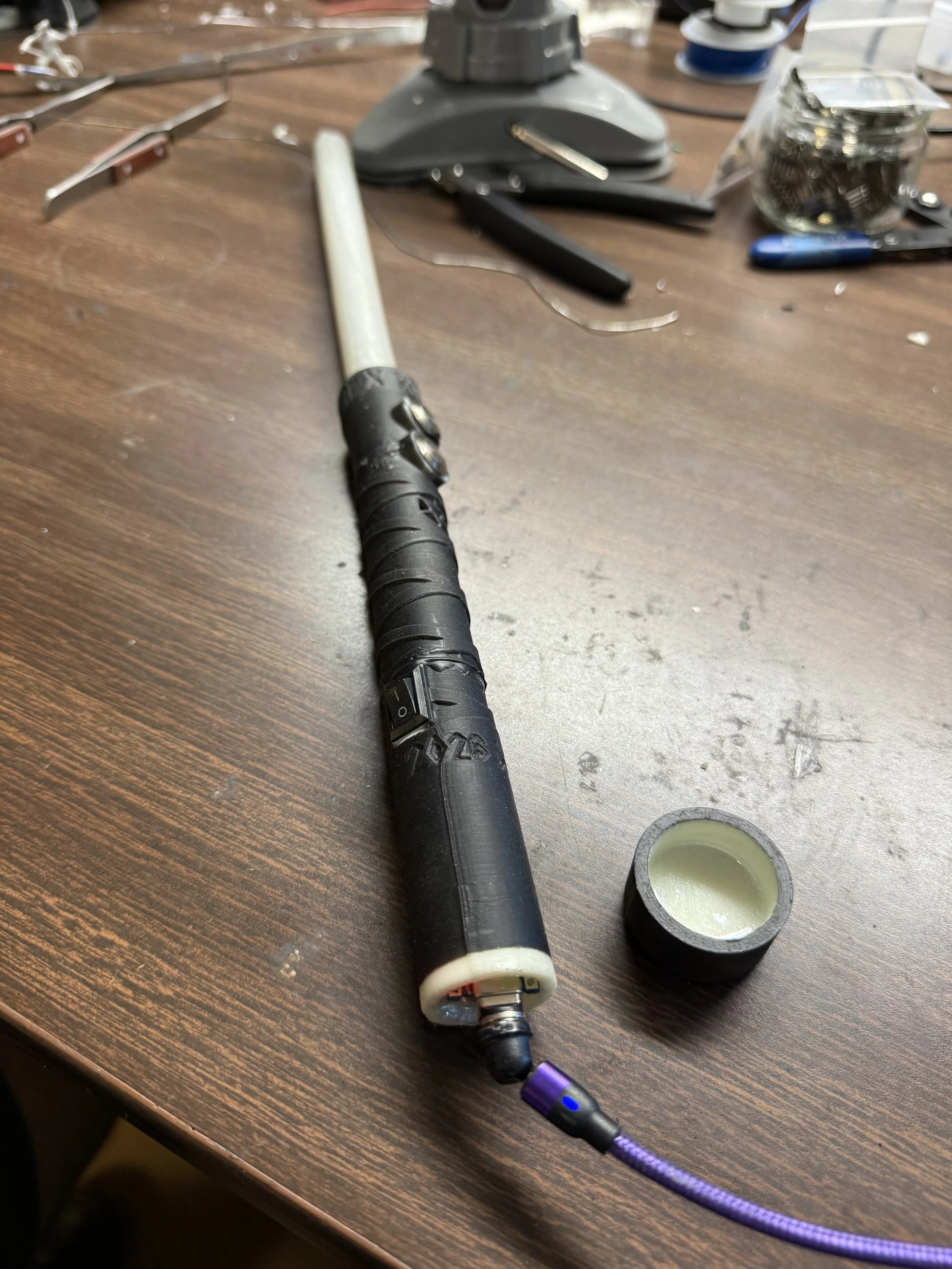 Image 5 of 5
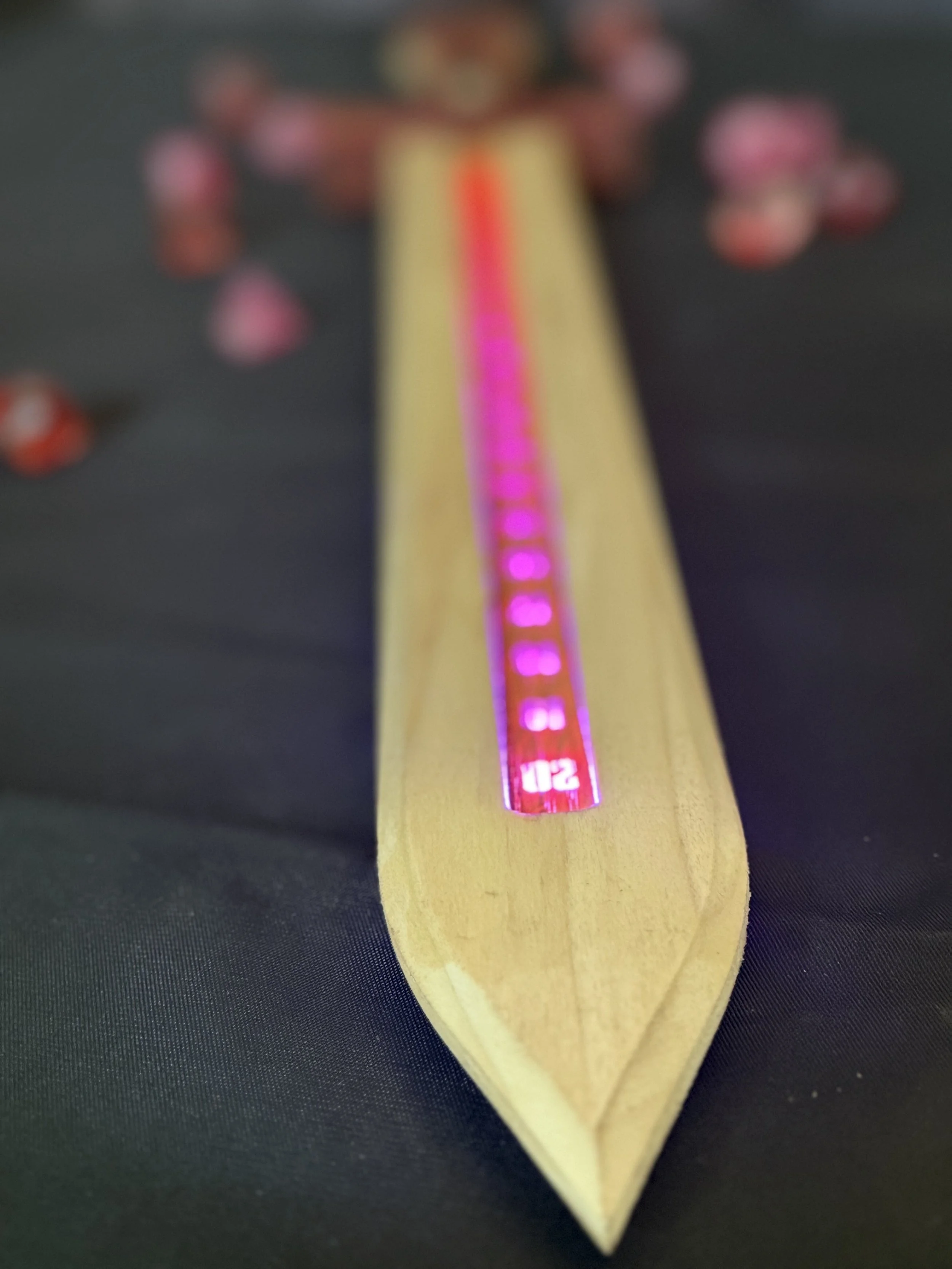
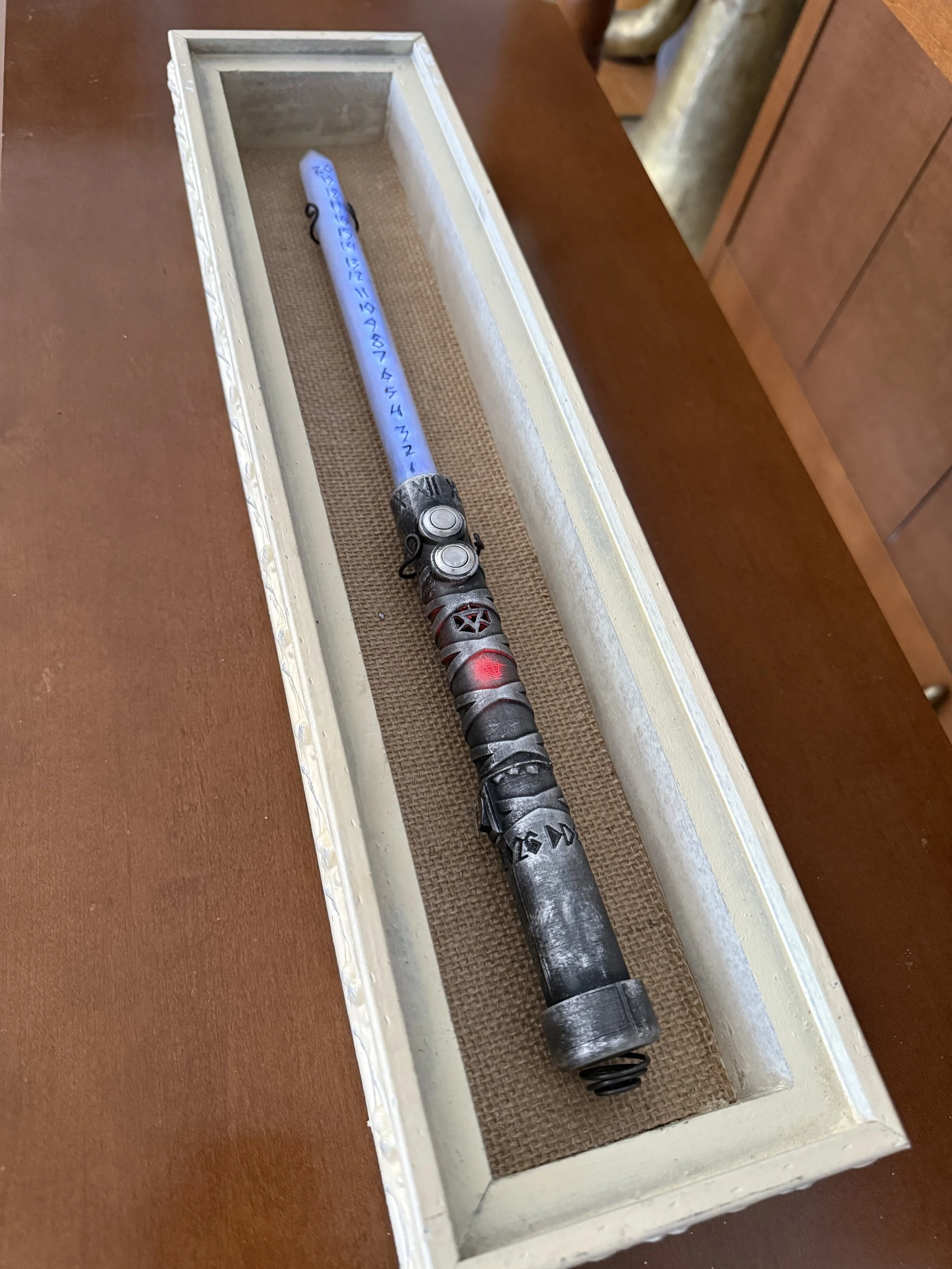
A compact conduit of motion and magic.
Crafted with a rugged, industrial finish and etched with arcane markings, this Wand channels every movement into a roll of fate. Built to feel solid in hand and simple in use—no screens, no menus, just swing and let it decide.
This piece began as an experiment—testing new forms, new finishes, new ideas.
It worked. And it won’t be the last.
🎲 Select Your Die
Tap the Select button to cycle through: d4 • d6 • d8 • d10 • d12 • d20
🟢 Ready the Wand
Tap the Ready button once to arm it. The wand will light up to show it’s ready.
💥 Roll the Dice
Give it a firm swing to roll. The result will display instantly.
🔄 Unready
Tap the Ready button again to return to selection mode.
🔥 Fire Mode
Hold the Ready button for 3 seconds to enter Fire Mode.
Hold again for 3 seconds to exit.
🎨 Theme Selection
Hold the Select button for 3 seconds to enter Theme Mode.
Tap Select to cycle themes.
Hold Select again for 3 seconds to exit.
🔋 Charging
Plug in via USB.
• Red = Charging
• Blue = Fully Charged
A compact conduit of motion and magic.
Crafted with a rugged, industrial finish and etched with arcane markings, this Wand channels every movement into a roll of fate. Built to feel solid in hand and simple in use—no screens, no menus, just swing and let it decide.
This piece began as an experiment—testing new forms, new finishes, new ideas.
It worked. And it won’t be the last.
🎲 Select Your Die
Tap the Select button to cycle through: d4 • d6 • d8 • d10 • d12 • d20
🟢 Ready the Wand
Tap the Ready button once to arm it. The wand will light up to show it’s ready.
💥 Roll the Dice
Give it a firm swing to roll. The result will display instantly.
🔄 Unready
Tap the Ready button again to return to selection mode.
🔥 Fire Mode
Hold the Ready button for 3 seconds to enter Fire Mode.
Hold again for 3 seconds to exit.
🎨 Theme Selection
Hold the Select button for 3 seconds to enter Theme Mode.
Tap Select to cycle themes.
Hold Select again for 3 seconds to exit.
🔋 Charging
Plug in via USB.
• Red = Charging
• Blue = Fully Charged